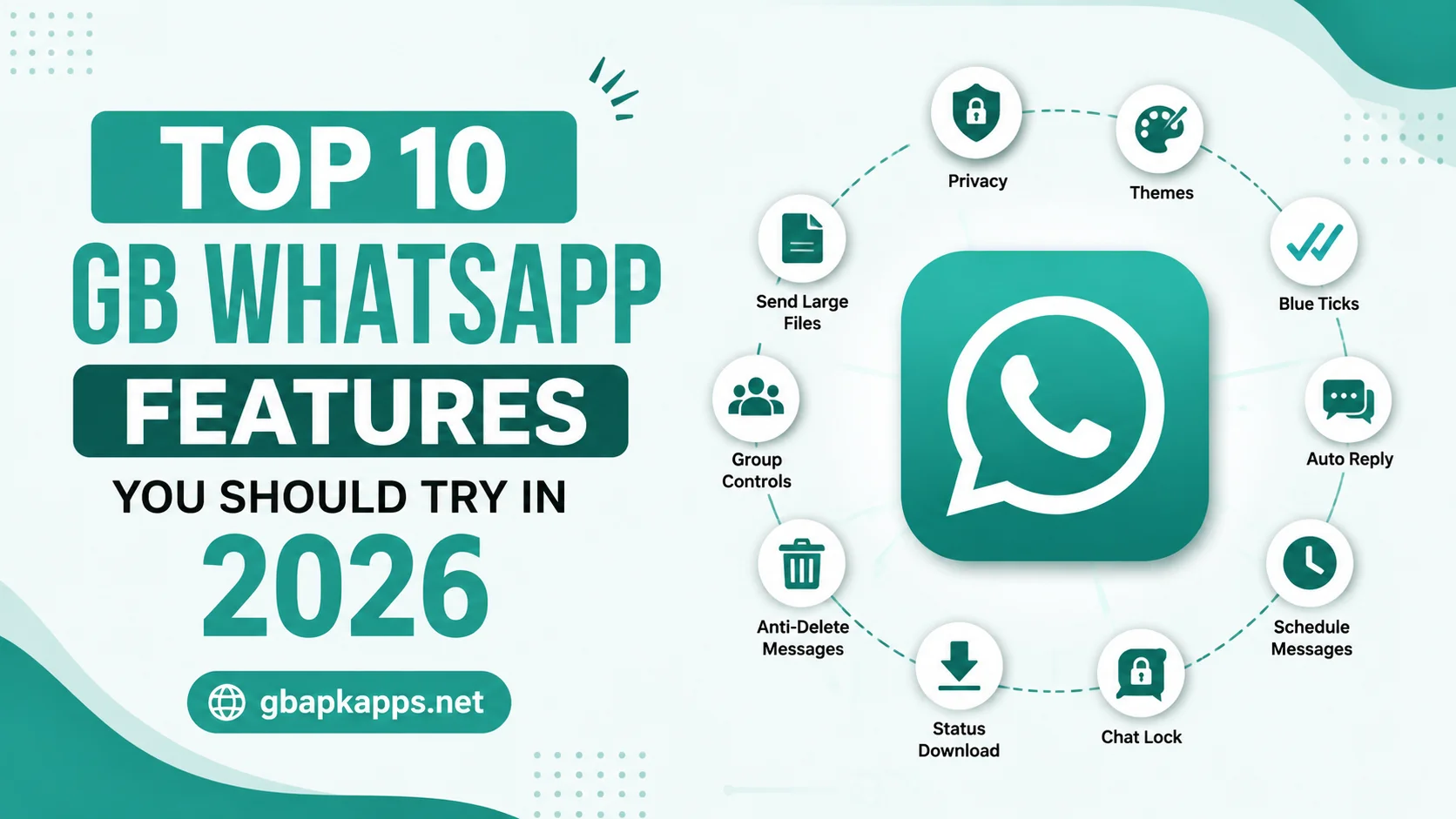
GB WhatsApp has earned its reputation by offering features that the official app either does not have or refuses to add. Some of these are tiny quality-of-life tweaks, while others completely change the way you use the messenger. The 2026 build pushes the feature list even further, and gbapkapps.net has been tracking the additions closely.
This guide walks through the top ten features you should try this year, what each one actually does, and how to enable it in the app. Whether you have been using GB WhatsApp for years or just installed it for the first time, this list is the quickest way to get the most out of the experience.
Why These Features Stand Out
The official WhatsApp team has slowly added some of these features after years of community pressure, but GB WhatsApp still leads in raw customization, privacy depth, and power-user tools. The features below are not just nice to have. They change how you communicate, how you protect your data, and how the app feels in your hand.
The Top 10 Features Worth Trying
1. Independent Privacy Controls
GB WhatsApp lets you hide last seen, blue ticks, second ticks, typing indicators, and recording status independently. You can show some to certain contacts and hide them from others, which is something the official app still does not support.
2. Built-In Theme Store
A full theme browser ships with the app, offering thousands of community-made designs. You can also import custom theme files, change individual colors, and switch themes without restarting the app.
3. One-Tap Status Download
Any status your contacts post, whether it is a photo, a video, or plain text, can be saved with a single tap. There is no need for a separate status saver app anymore.
4. Larger File Sharing
The 2026 build raises the single-file transfer limit to 1GB, well above what the official app allows. You can also send up to 90 images in one go without losing quality.
5. Anti-Delete Messages and Status
Even if a contact deletes a message or status after sending it, you can still see it in your chat. The app keeps a local copy of every message, which means nothing disappears without a trace.
6. Dual Account Support
You can run two GB WhatsApp instances on the same phone, which is great for users who keep a personal and a work number on one device. The dual-account feature has been polished in 2026 and no longer requires workarounds.
7. Customizable Chat Bubble Styles
Beyond themes, you can independently change chat bubble shapes, colors, and tick styles. Power users often set up a custom look per contact, so important chats feel visually distinct.
8. Auto-Reply Scheduler
If you manage a business or a busy group, the built-in auto-reply feature lets you set scheduled messages for specific hours. You can also define different replies for different contacts.
9. Built-In DND Mode
Do Not Disturb mode silences only GB WhatsApp while letting the rest of your phone function normally. It is perfect for meetings, sleep, or focused work sessions.
10. View Once Bypass
Photos and videos sent with the View Once restriction can be saved directly through GB WhatsApp. The sender never knows, and the file lands in your gallery just like a regular attachment.
Quick Feature Comparison Table
| Feature | GB WhatsApp 2026 | Official WhatsApp |
|---|---|---|
| Independent privacy toggles | Yes | No |
| Built-in theme store | Yes, 4,000+ themes | Limited |
| Status download | One-tap built in | Requires workaround |
| Max file size | 1GB | 100MB |
| Anti-delete messages | Yes | No |
| Dual accounts | Native support | Workaround only |
| Auto-reply scheduler | Built in | Business app only |
| DND mode | Built in | Third-party only |
| View Once bypass | Yes | No |
| Custom tick styles | Yes | No |
That single table captures why so many users prefer GB WhatsApp for daily use, especially for the features the official app has ignored for years.
How to Enable These Features
Most of these features live inside the GB Settings menu, which is the second tab in the main interface.
- Open GB WhatsApp and tap the three-dot menu in the top right
- Select GB Settings from the dropdown
- Browse the Privacy, Customization, and Universal sections
- Enable the features you want and configure them per contact if needed
- Restart the app only if a setting specifically asks you to
The settings are well organized, and gbapkapps.net keeps a help guide for any option that is not immediately obvious.
Tips for Getting the Most Out of These Features
- Start with the privacy toggles, since they are the most impactful
- Spend an hour exploring themes before settling on a final look
- Use DND mode in combination with the official app for healthier screen time
- Test auto-reply with a friend before relying on it for business
- Back up your settings after configuring them so you can restore them after a reinstall
These small habits turn a list of features into a setup that actually fits the way you use your phone.
Features to Be Careful With
A few features are powerful enough to cause problems if misused. The anti-ban layer is one of them. Leave it on, but do not stack it with other mods running at the same time. The View Once bypass is another. Use it sparingly and with people you trust, because saving media without consent can damage relationships if it ever comes to light.
Finally, be cautious with the broadcast list enhancements. The official app caps broadcast lists for a reason, and pushing past those limits can trigger spam flags on your account.
Lesser-Known Features Worth Exploring
Beyond the top ten, GB WhatsApp 2026 includes several smaller features that regular users often overlook. The conversation pinning limit is higher than the official app, so you can keep more chats at the top of your list. The in-app translation tool lets you translate incoming messages without leaving the chat. The contact sync toggle gives you precise control over which contacts get added to your address book. And the media visibility setting lets you hide specific photos and videos from your gallery without removing them from chats.
None of these are headline features, but together they make the day-to-day experience significantly smoother. Spend an hour exploring the GB Settings menu after you install the latest build, and you will almost certainly find a few options that solve problems you did not know the app could solve.
Conclusion
The top ten features in GB WhatsApp 2026 are not gimmicks. They are the reason the app has stayed popular for years, and the 2026 build refines each one. Take an afternoon to enable the ones that match your style, configure them properly, and you will quickly see why so many users prefer GB WhatsApp over the official app. For the latest setup tips and version notes, gbapkapps.net is the most reliable place to start.
FAQs
Yes, every feature in the 2026 build is included for free in the APK you download from gbapkapps.net.
The 2026 anti-ban layer is designed to keep most users safe, but no mod can guarantee full protection for every account.
Some of them, like dual accounts, are available with workarounds on the official app, but most are exclusive to GB WhatsApp.
Most features work on Android 7.0 and above, but a few visual options perform best on Android 12 or higher.
gbapkapps.net publishes step-by-step guides for every major feature in the GB Settings menu, so you can always look up the option you are trying to configure.